Obsidian Plugin
2024-10-10
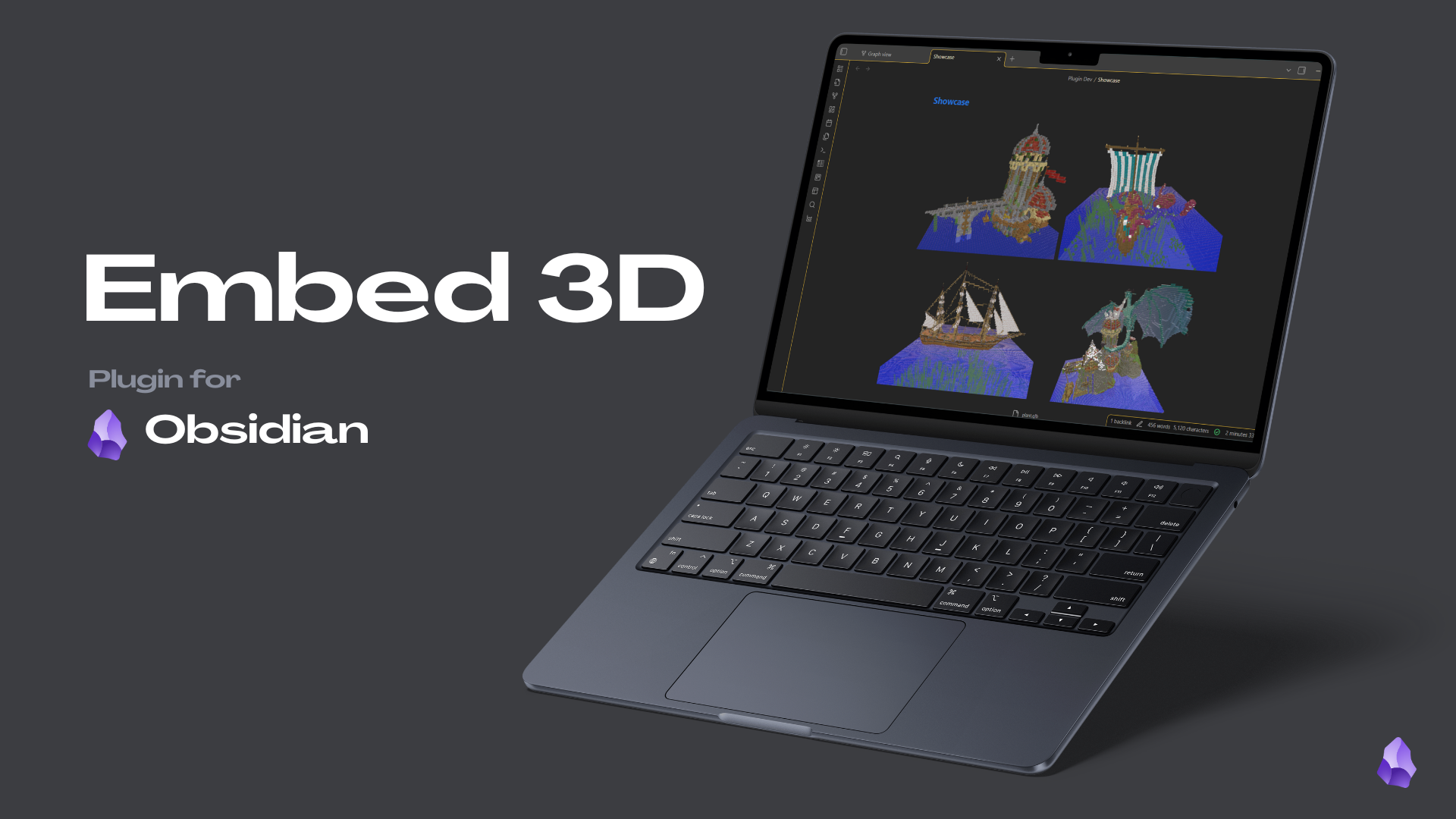
Promotional image I made for showcasing the plugin
The process behind developing a plugin for Obsidian that allows embedding and viewing 3D models directly within your notes.
2,306 downloads
47 github stars
Github Repository: Here (30+ stars whoo)
# About Obsidian
Obsidian is "the private and flexible writing app that adapts to the way you think". At least that is what they say on their website. This application has taken my notetaking to a whole new level, and made me into kind of a fanboy.
It uses markdown files, which load incredibly fast, but have no fancy additions like word and google docs, and is itself very barebones, but allows for linking together of notes. This produces a very easily navigable note environment. Kind of like your own Wikipedia. An additional feature is the graph you see below, that allows for easy navigation between notes aswell.
It uses markdown files, which load incredibly fast, but have no fancy additions like word and google docs, and is itself very barebones, but allows for linking together of notes. This produces a very easily navigable note environment. Kind of like your own Wikipedia. An additional feature is the graph you see below, that allows for easy navigation between notes aswell.
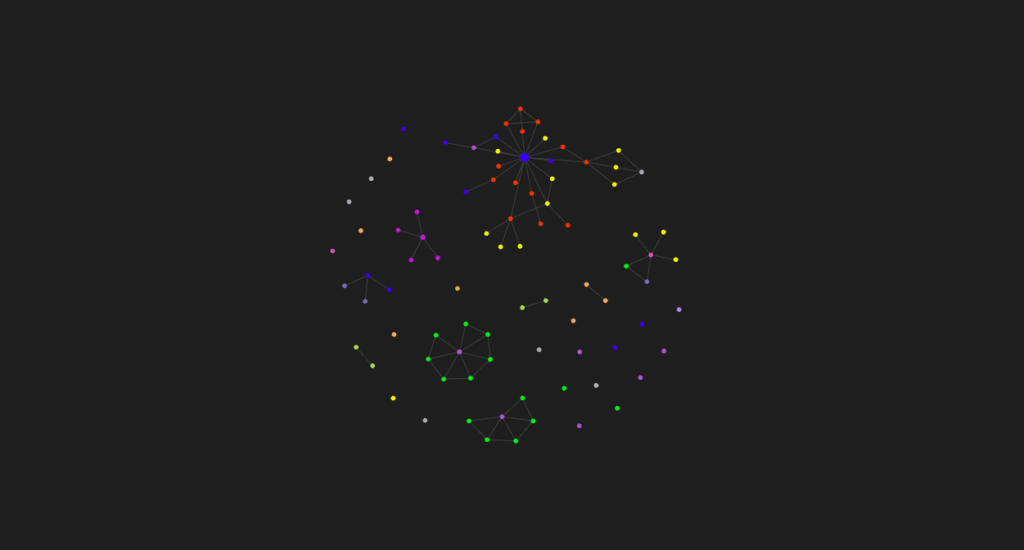
Graph view of my Obsidian vault in 2024
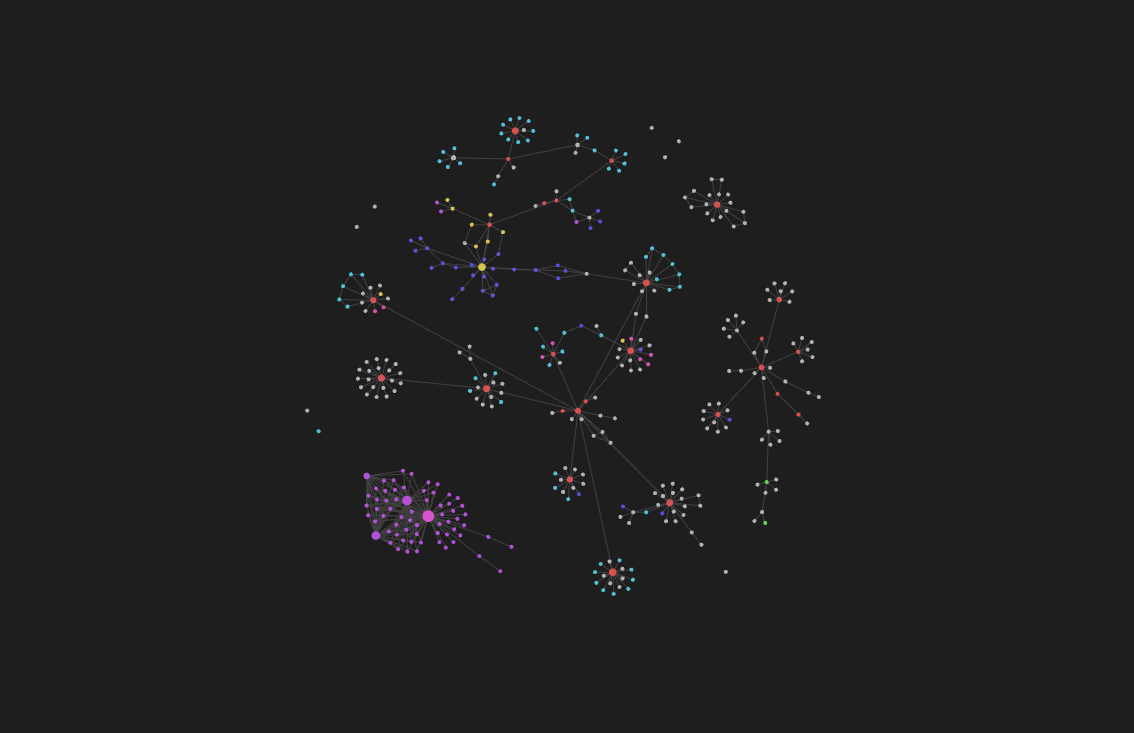
Graph view of my Obsidian vault in 2025
# Motivation
An incredible side of Obsidian is the plugin culture. As opposed to platforms like Notion who have everything already built in, making it slower and providing an overwhelming amount of options, obsidian allows you to pick and choose whatever functions you want to add to your notes. From amazing plugins like Dataview, which allows you to query data from your notes using a form of sql.
Obsidian has been making notetaking a pleasurable and clear activity for me, not distracting me with unnecessary elements. Oddly enough, to my suprise, there was no such plugin yet for showcasing 3D models in your markdown note files. Even after searching the obsidian forums extensively to see if anyone was working on it, I came to the conclusion nobody had succeeded yet (except for non-local solutions, such as uploading to a website and then using an iframe, but that is a very cumbersome solution, requiring the user to exit obsidian aswell).
So I got to working.
Obsidian has been making notetaking a pleasurable and clear activity for me, not distracting me with unnecessary elements. Oddly enough, to my suprise, there was no such plugin yet for showcasing 3D models in your markdown note files. Even after searching the obsidian forums extensively to see if anyone was working on it, I came to the conclusion nobody had succeeded yet (except for non-local solutions, such as uploading to a website and then using an iframe, but that is a very cumbersome solution, requiring the user to exit obsidian aswell).
So I got to working.
# Process
Obsidian uses an api for its plugins, allowing you to modify certain portions of the application. This is not very open in a lot of options, mostly so for security and stability concerns, which makes a lot of sense, but also makes it hard to work with. The documentation is great however. But there is always a workaround, even though the electron application is not really meant for running code in it. There is the dataview plugin that very stably allows you to run a .js file in a markdown note. Which sprung the idea of attempting to use the three.js library in obsidian. For those unaware, three.js is a javascript library using webGL to render 3D objects in javascript, so it is commonly used in interactive or aesthetically pleasing websites.
# Dataview Experimentation
One of obsidians biggest plugins, allows for the execution of js in a note. So starting there i wanted to see if i could get three.js working for myself. Now with a bunch of fidling, I got it working, being able to render a basic default cube in the obsidian note. The biggest struggle was loading the three.js library in some form, since import statements or downloading it would not work, but loading the script via CDN, seemed to do the trick. But this is not a plugin yet, nor very user friendly, so a lot of work was to be done.
Using dataview js to render a 3D scene in Obsidian
# Plugin Development
I figured, if i wanted a userfriendly way of loading 3D models in obsidian, I would have to make a plugin. I clicked the first youtube video I could find, and followed the documentation on setting up a template plugin. And started attempting to load three.js in the plugin environment. Now about the user friendlyness, i wanted to be able to both: easily load 3D models that are in my fault, but also be able to modify a 3D scene to look exactly as i wanted it to. Leading me to use markdown codeblocks, and the api function for registering these codeblocks. And inserting the three.js canvas element in it, so it would render, but getting all the config from the codeblock contents itself.
Now none of this plugin would have happened if it wasn't for the awesome people in the obsidian discord. They were super helpful in answering questions about the api, and giving suggestions on how to best implement certain features. Overall, the community behind obsidian is great, beside the awesome platform itself.
Now none of this plugin would have happened if it wasn't for the awesome people in the obsidian discord. They were super helpful in answering questions about the api, and giving suggestions on how to best implement certain features. Overall, the community behind obsidian is great, beside the awesome platform itself.
# Final Result
As of writing this, the plugin has over 1600 downloads! Making it one of my biggest projects yet. With 31 stars on github, I really appreciate the support. Now this plugin has been under development since beginning of 2024, and I have been responding to community inputs, through the discord and github issues page, to continually add features and fix bugs. But I am very happy to showcase its capabilities which keep improving over time. I will keep updating the README.md page on github with all the features, settings and instructions. So feel free to check it out.
# Showcase
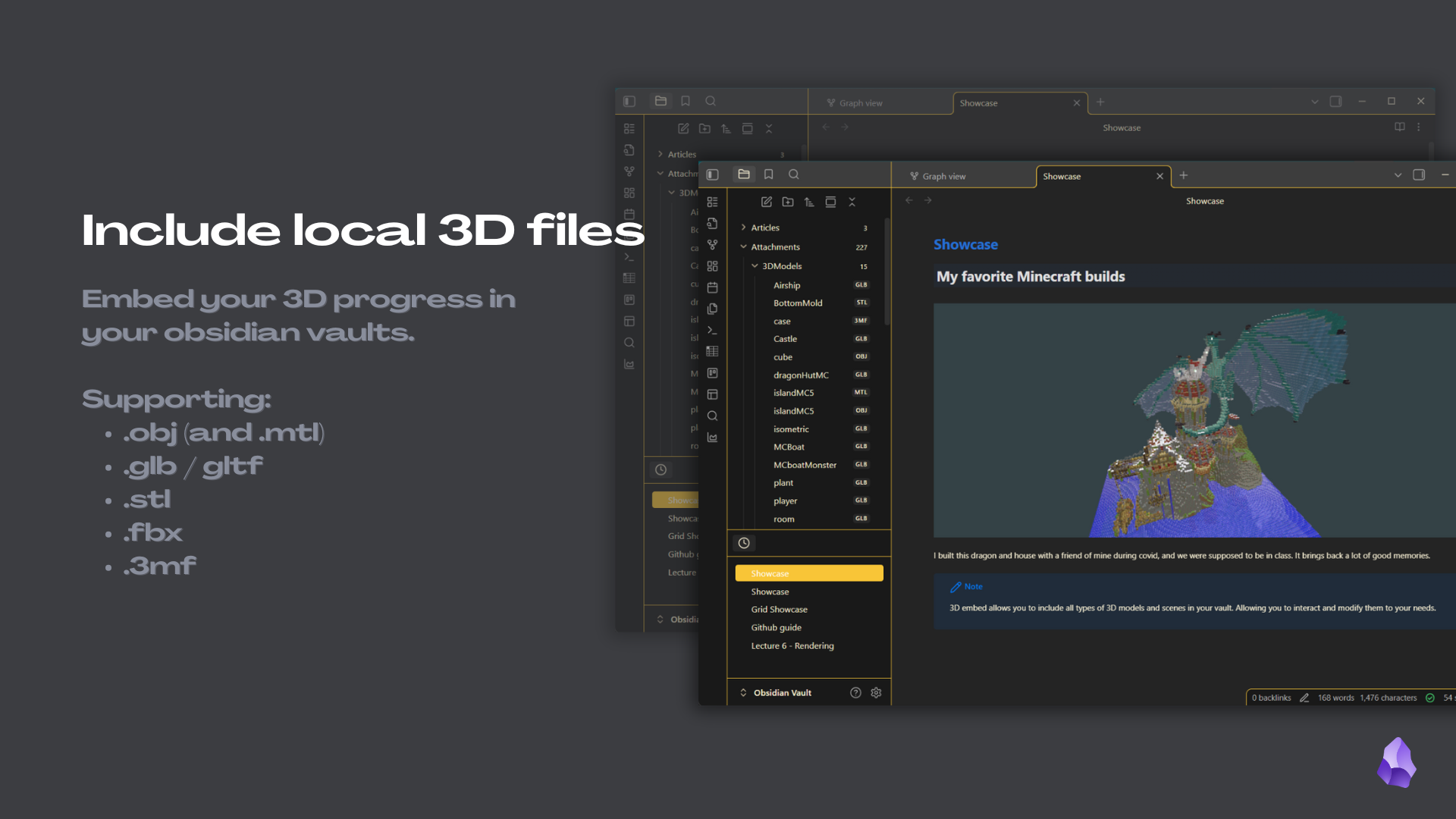
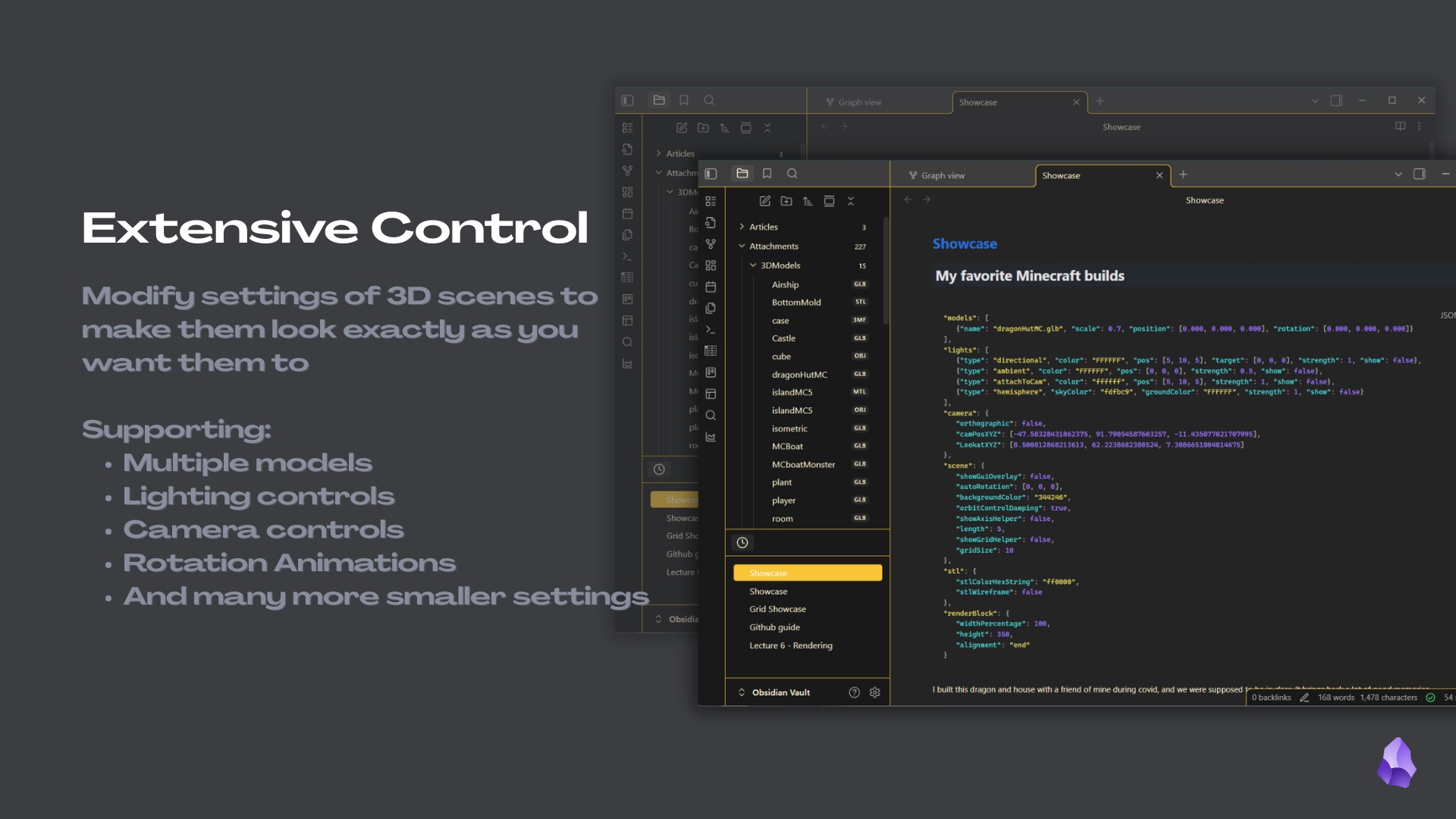
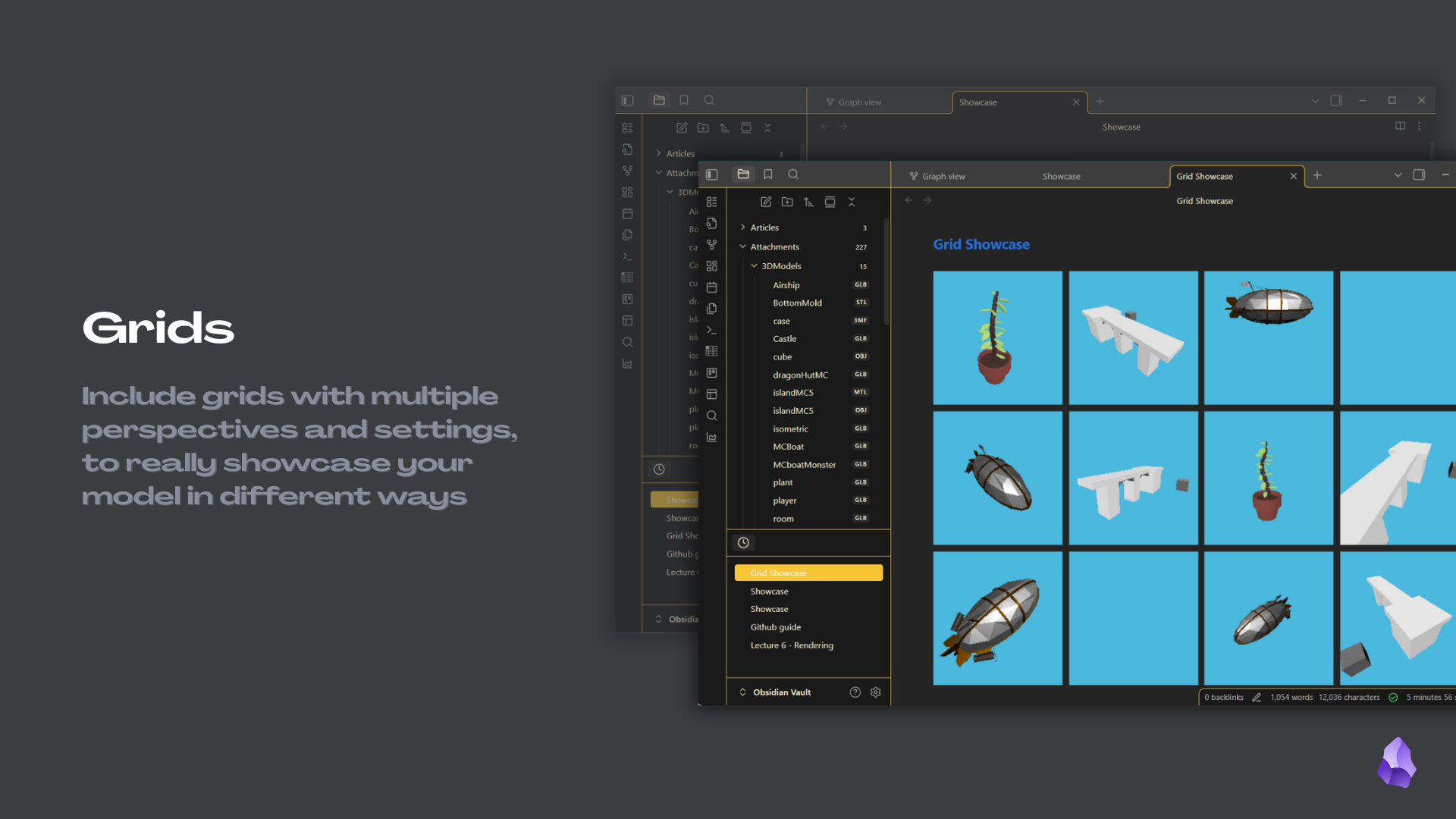
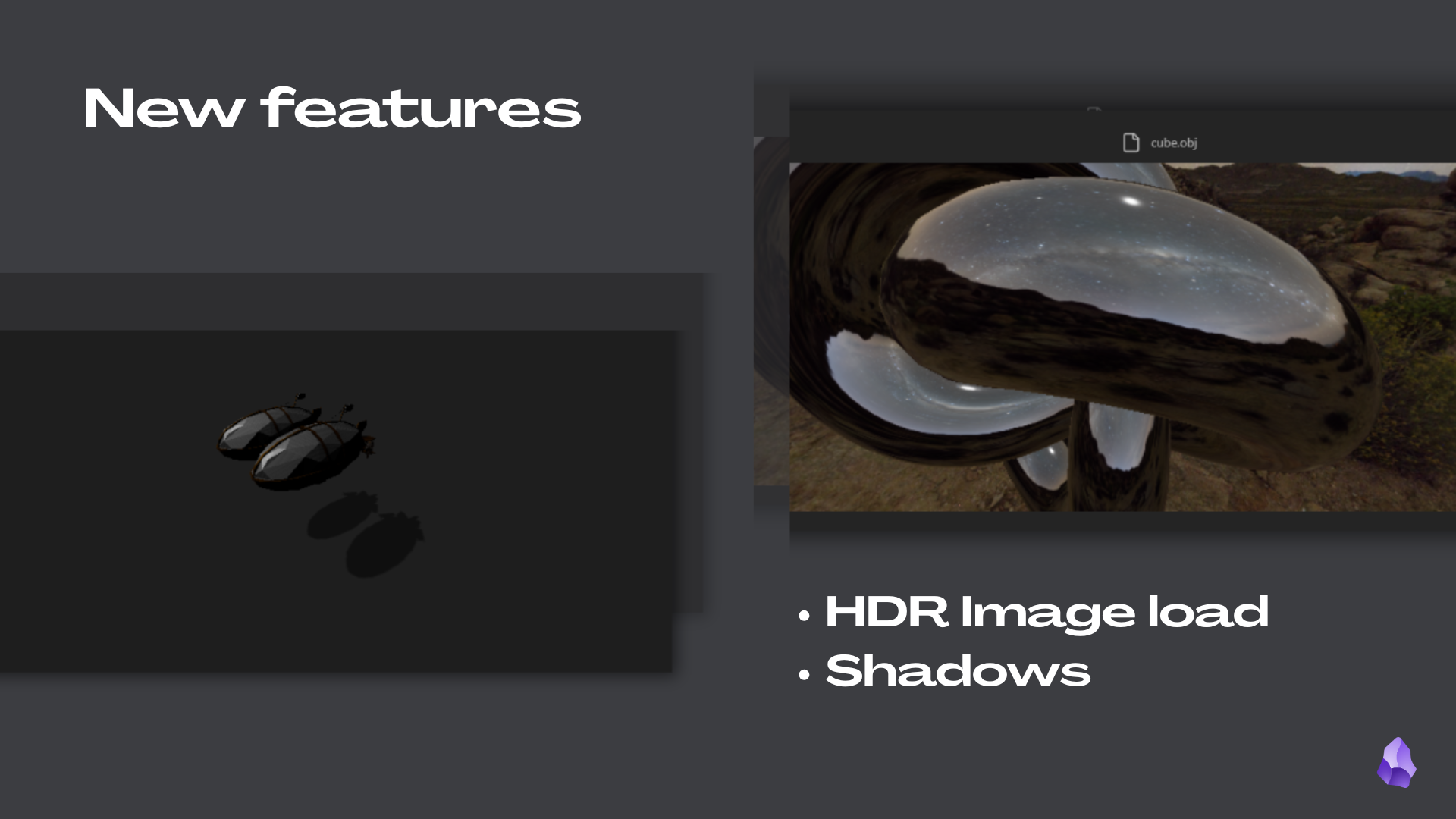
Quick last showcase of my plugin currently